Smart Expense Tracking Software That Keeps Your Business in Your Control
Trusted by 50K+ Indian businesses, Billnbooks expense tracking software helps Indian businesses monitor, manage and control their expenses while staying GST-compliant.
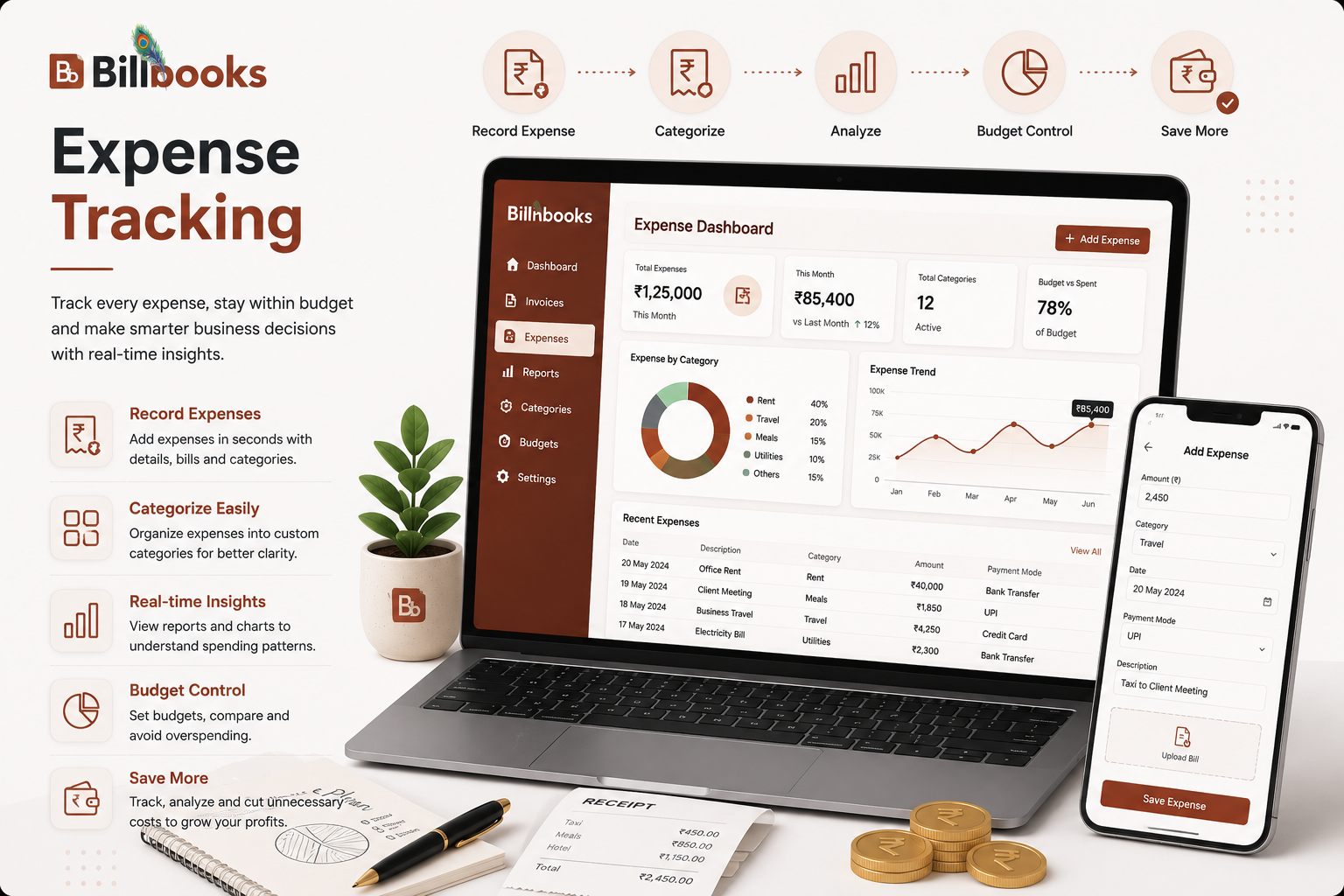
Trusted by 50K+ Indian businesses, Billnbooks expense tracking software helps Indian businesses monitor, manage and control their expenses while staying GST-compliant.

Create expense entries with unique EXP vouchers, manage both direct and indirect expenses, and keep clear records. Your voucher numbers get generated automatically for easy tracking.
Handle all payment types – cash, cheque, and other modes. Track each payment easily with reference numbers and keep your records organized.
Create and manage vendor profiles while recording expenses, store their details securely, and maintain clear payment histories. Add new vendors anytime during expense creation.
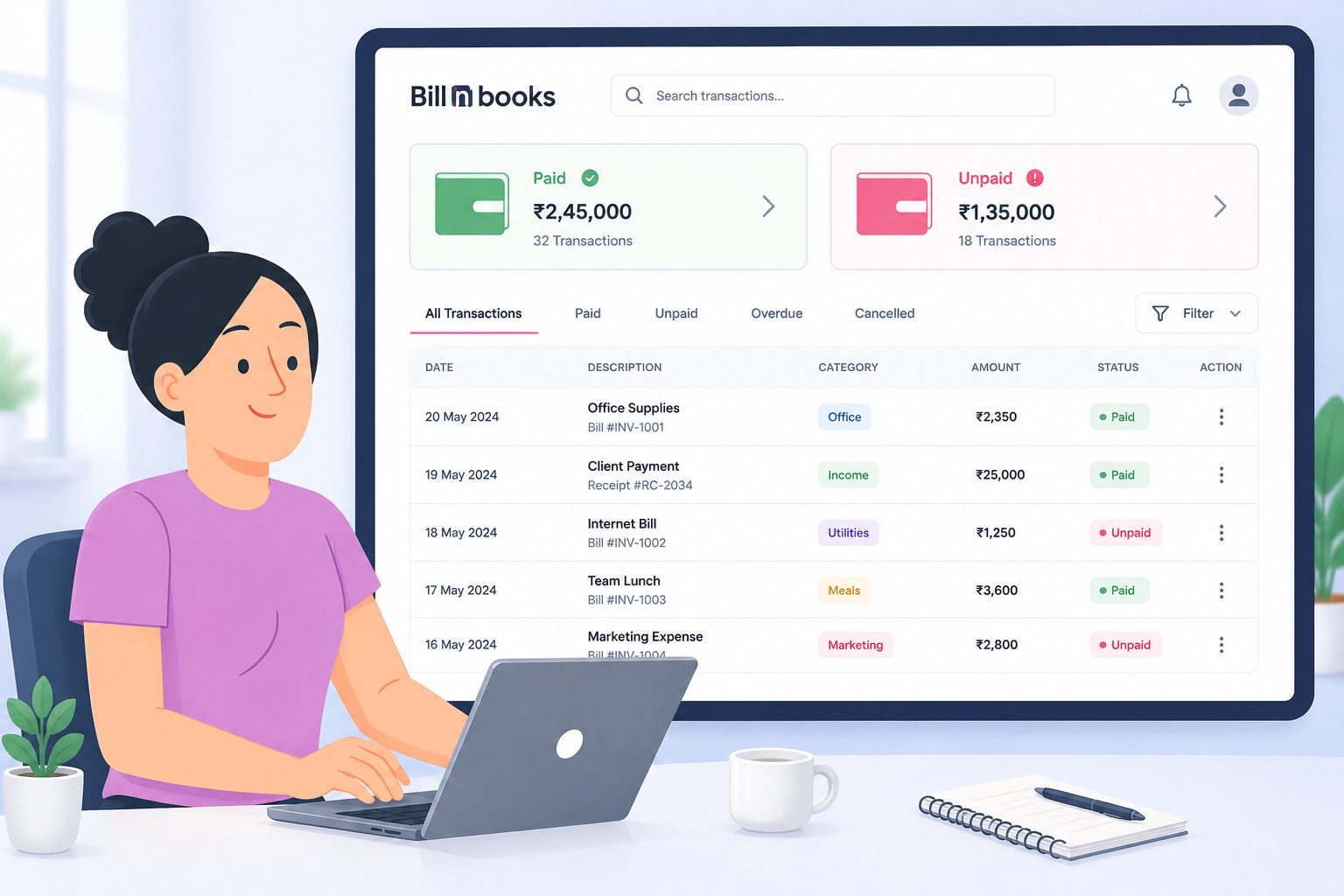
Monitor payments with color-coded status indicators (Paid/Unpaid/Partially Paid), keep track of pending amounts, and get clear visibility of payment progress.
Stay compliant with proper GST documentation, calculate taxable amounts correctly, and maintain organized records for easy tax filing.
Automatically match bank transactions with your accounting records for error-free reconciliation. Detect mismatches instantly and maintain accurate financial statements. Save time and improve financial accuracy with automated syncing.
Connect with other important modules like Journal and Bank Reconciliation. Export your data easily for further analysis and reporting.
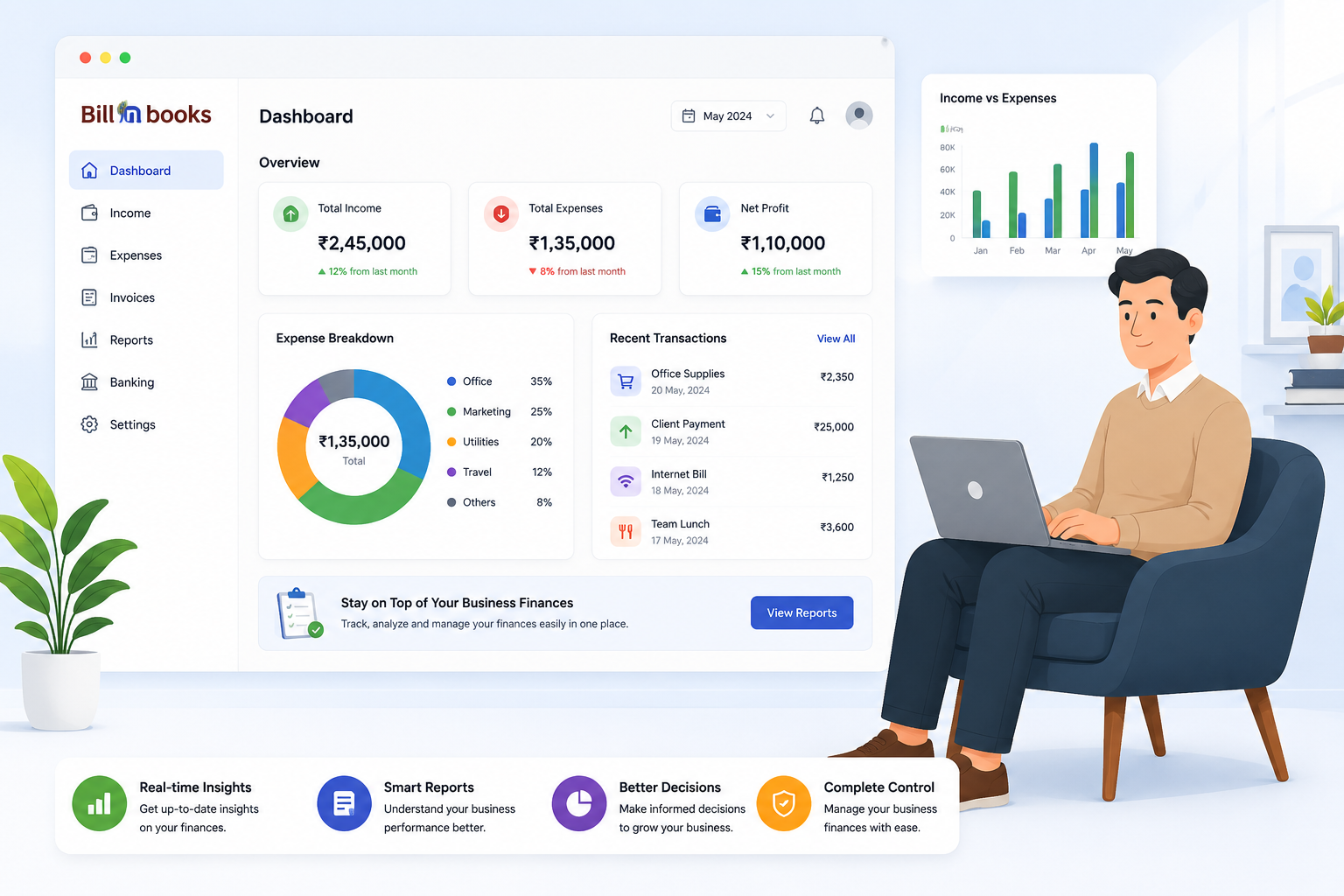
Generate detailed expense reports, export data for analysis, and track spending patterns. Filter and sort your expense data exactly how you need it.
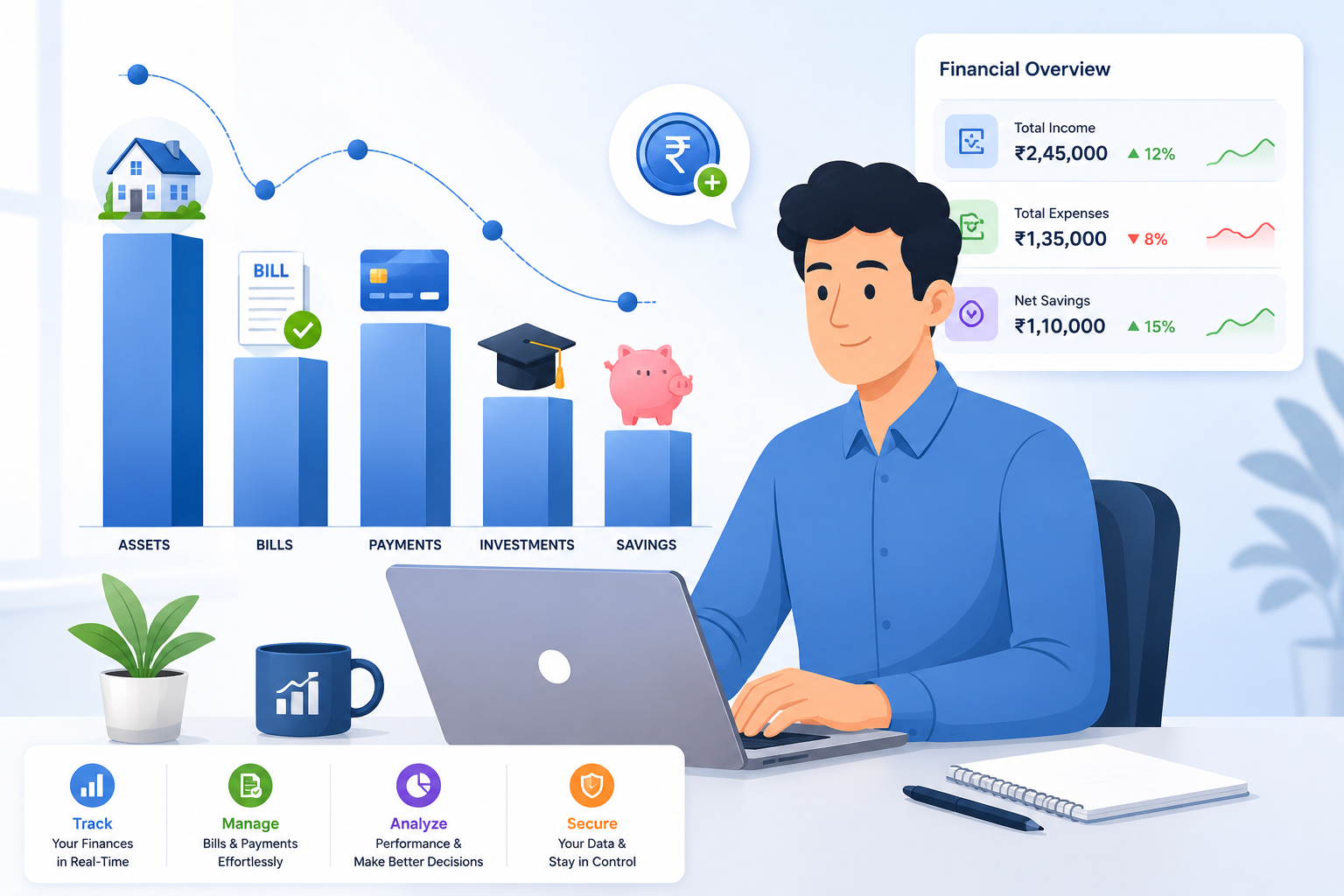
Dealing with loose bills, missing vouchers, and unorganized expense records? Keep all your expense entries properly documented with proper vouchers and tracking.
Managing multiple vendors and different payment modes and keeping track of dues shouldn’t be a headache. Stay on top of every payment with clear status indicators and organized records.
Struggling to maintain proper GST documentation for expenses? Our GST-compliant system helps you maintain organized records and calculate taxable amounts correctly.
Lost track of where your business money is going? Get detailed reports and clear insights into your expense patterns to make informed business decisions.
Get all the features you need – from GST compliance to vendor management – in one powerful solution designed specifically for the Indian business ecosystem.
We're here to help you with GST, billing, and setup anytime.
Our software streamlines GST compliance by automatically calculating GST amounts based on your entries, maintaining proper documentation, and generating GST-ready reports. The system helps you track input credits and keeps your expense records organized for easy audit preparation.
Yes, Billnbooks provides dedicated support for both direct and indirect expense management. You can categorize expenses accordingly, track them separately, and generate specific reports for each type, giving you clear visibility into your overall business spending.
Billnbooks supports all major payment modes, including cash, cheque, and digital payments. Each transaction can be recorded with its specific payment method, making reconciling accounts and tracking payment histories across different modes easier.
Our vendor system is simple to use. You can add new vendors right while creating an expense entry, save their basic details and GST information, and keep track of all payments made to them. Everything stays organized in one place – from vendor details to payment records.
Yes, you can. Every expense entry comes with a file attachment option. Simply upload your bills, receipts, or any other documents while creating the entry. These attachments stay linked to your expense records, making it easy to find them whenever needed.
Your data security is our priority. We use industry-standard encryption to protect your financial information, maintain secure servers in India, and ensure regular backups. Only authorized users from your business can access your expense data.